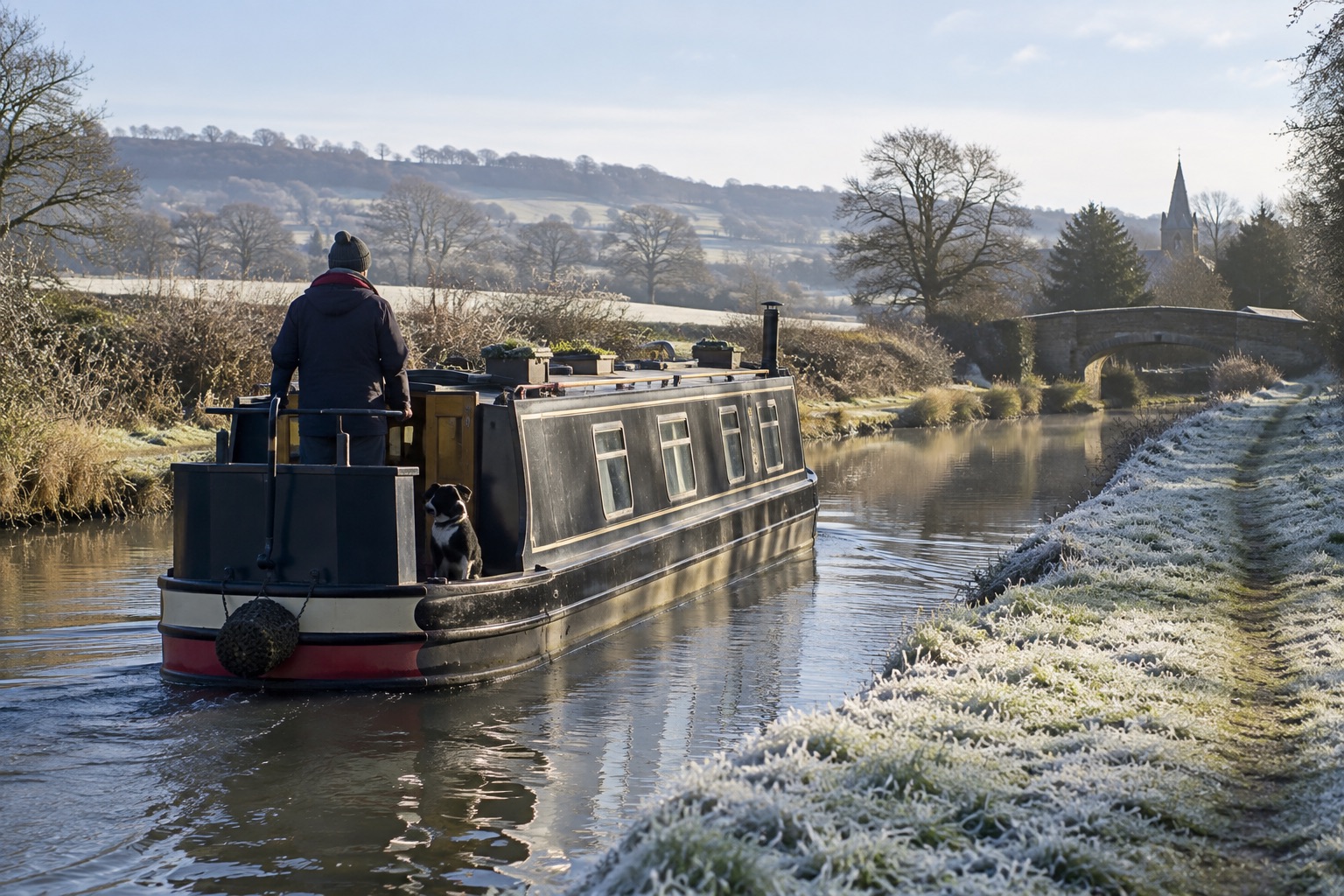
Understand the movement rule
For a boat without a home mooring, the Trust expects navigation across a fair range of its network. The law sets no fixed mileage. Moving between the same nearby moorings for most of a licence, even with one longer trip, may not meet its guidance.
Plan stops and costs
Most ordinary moorings have a maximum stay of 14 days, and signed visitor moorings can be shorter. Check local signs, current notices and a route that works around winter stoppages, work or school. The Trust adds a continuous cruising surcharge to the standard licence fee, so check the current cost before committing.
Ask early if plans change
Keep a simple record of places and dates for your own planning. If illness, breakdown or a closure prevents you moving, request an extended stay from the Trust rather than assuming it is agreed. Other navigation authorities set their own terms, so check the rules for every waterway you plan to use.
Keep a useful cruising record
Record where you moored, when you arrived and when you left. Add a bridge number or nearby landmark so you can recognise the place later. Note anything that affected the journey, including a closure or an agreed extended stay.
The Canal & River Trust recommends a cruising log backed by photographs with date and location information. If you prefer not to save location data in photographs, include an identifiable landmark or Trust sign. Keep the original files somewhere you can find them again. Suitable mooring or boatyard receipts may also help establish where the boat was at a particular time.
A written log alone may not be accepted as evidence of additional cruising. You do not need to submit routine updates to the Trust. If a problem arises, contact its licensing team and follow its guidance on cruising records and supporting evidence.
| Record | Example |
|---|---|
| Place | Visitor mooring beside Bridge 12, with the waterway name recorded. |
| Dates | Arrived 4 June; departed 6 June. |
| Supporting file | Photograph saved separately, showing the boat and bridge number, with its date retained. |
| Notes | Any relevant restriction, change of plan or correspondence with the authority. |
One entry cannot demonstrate the pattern of a whole licence period. Keep the record throughout your journey. For the checks behind your next leg, use our canal trip planning checklist.
Keep a copy of your log
Open Cut Along, then choose Logbook (Log on a small screen) to record a place, arrival and departure dates, and a note. The browser log stays in that browser unless you turn on private account sync. A saved boat position is optional; keep supporting photographs separately.
Use the logbook export controls to download a dated CSV for a spreadsheet, including any saved GPS positions, or a JSON backup for restoring entries. Save a backup before clearing browser data or changing devices. Your records describe what you entered; they do not independently verify a journey.
To bring an exported file into a browser, open the logbook and choose Choose log export under Restore an exported log. Review the counts before importing. Missing stays are added locally; existing entries, including any with different details, are kept. The file is read on your device. If logbook sync is on, imported stays are also copied to your account.
Account sync requires a confirmed email address and is off until you enable it. Choose Sync this device’s logbook with my account on each device you want to use. Stays, corrections and removals then sync while connected, including private notes and saved boat positions. Review any conflicting changes shown in the sync controls.
The logbook's 14-day display is a planning reminder. It does not read local mooring signs or decide whether your journey meets licence conditions. Check the applicable stay limit and current guidance, and ask the navigation authority about any uncertainty. A countdown or movement log does not establish compliance.
Use the mooring’s limit, not the countdown
The web logbook counts towards a fixed 14-day planning point. It does not change that point to match a visitor-mooring sign. A shorter permitted stay can end while the display still shows days left. The Trust’s short-stay mooring guidance explains why you need to read the signs at the place you stop.
| Check | Example |
|---|---|
| Arrival | Monday at 10am. Record the actual arrival in the logbook. |
| Planned departure | No later than Wednesday at 10am. Leave time to move safely before that point. |
| Web countdown | At Wednesday 10am it still shows 12 days to its 14-day point. That does not extend the stay allowed by the sign. |
Keep the planned leaving time in a private note and set a separate calendar alarm for when you need to act. The web logbook has no custom mooring-limit or alarm control. Leave the departure unrecorded until you have actually left, then use Mark departed. You can correct the recorded time afterwards if needed.
This example assumes one clear 48-hour limit. Read the whole sign for other conditions, check current restrictions and ask the authority if anything is unclear. A countdown, alarm or movement record does not establish licence compliance.
Before you go
- Read current licence terms
- Plan for winter movement
- Keep a simple journey log